


Revision & HOMEWORK
Seneca
Students please login to Seneca (https://senecalearning.com/en-GB/) with your school email address and password by pressing "Login" and then "Continue with Microsoft"
Parents please watch the video on this page to see how to help your child get the most out of the platform:
https://help.senecalearning.com/en/articles/2483297-how-should-my-child-be-using-seneca
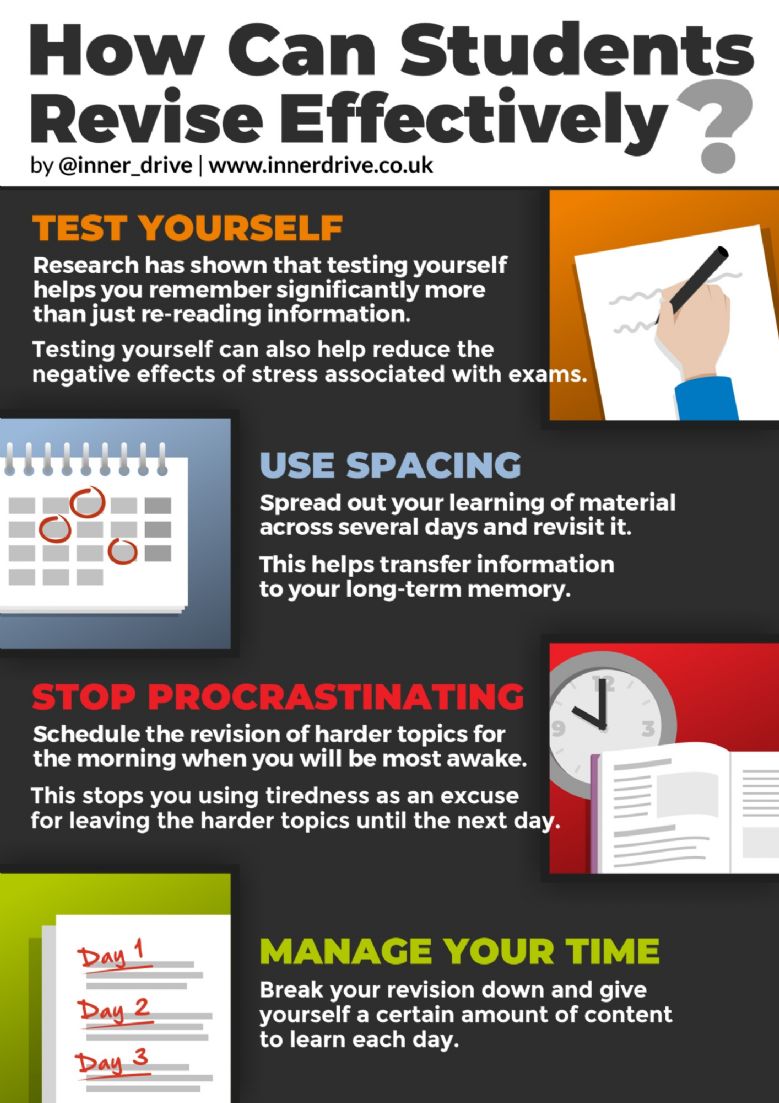
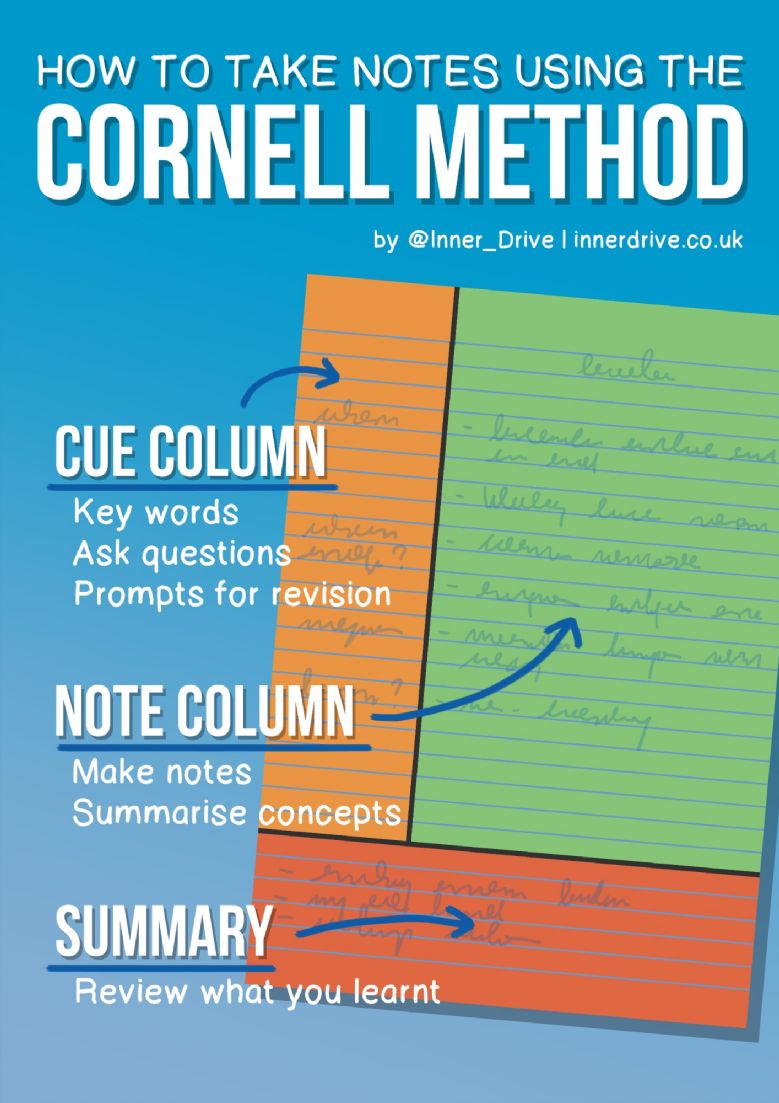
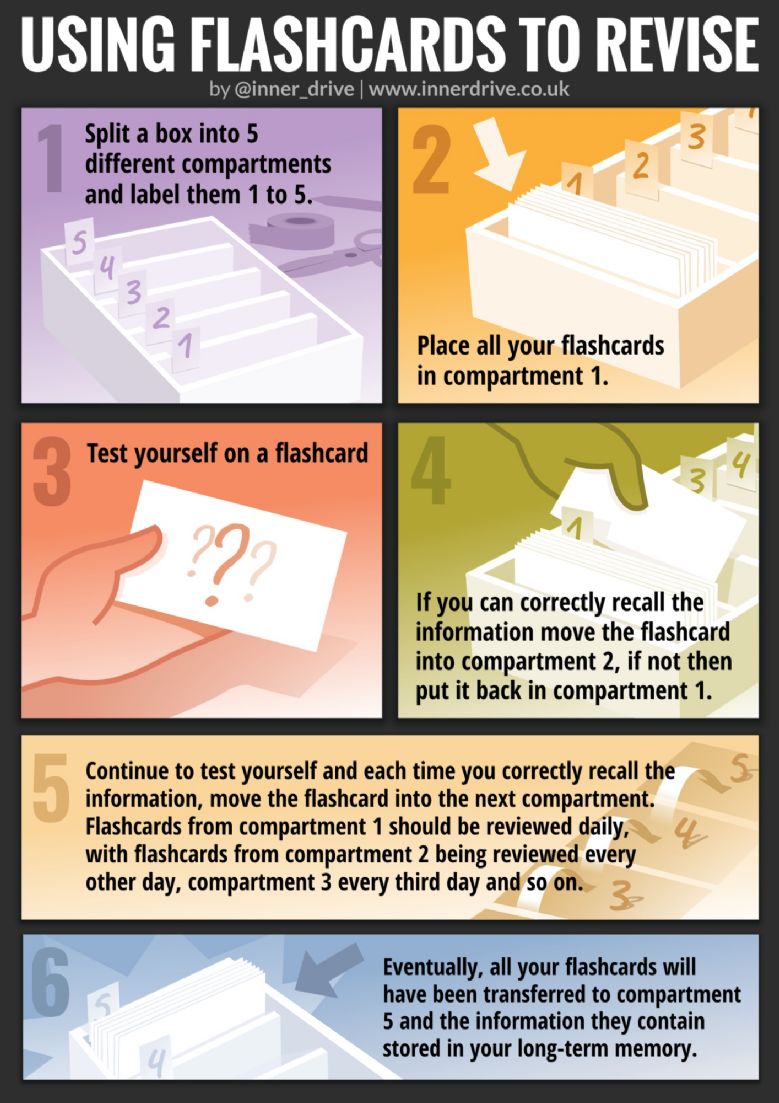
| Revision Evening Presentation | Click here |
| Cornell Notes Template | Click here |
| Revision Guide | Click here |
| Revision Clock | Click here |
| Dual Coding | Click here |
| English Literature GCSE Romeo & Juliet (Know It) | Click here |
| English Literature GCSE Romeo & Juliet (Grasp It) | Click here |
| English Literature GCSE Romeo & Juliet (Think It) | Click here |
| English Literature GCSE An Inspector Calls (Know It) | Click here |
| English Literature GCSE An Inspector Calls (Grasp It) | Click here |
| English Literature GCSE An Inspector Calls (Think It) | Click here |
| GCSE Maths Foundation Formulae Sheet | Click here |
|
GCSE Maths Higher Formulae Sheet |
Click here |
| Pies Peas and GCSEs | Click here |